 Richer AcademyCourses and learningLearningEntry link available
Your Richer World.
One Place to Begin.
riCHer brings your apps, knowledge, conversations
and company updates together in one shared workspace.
A clear starting point for every person, every team,
and everything your next workday brings.
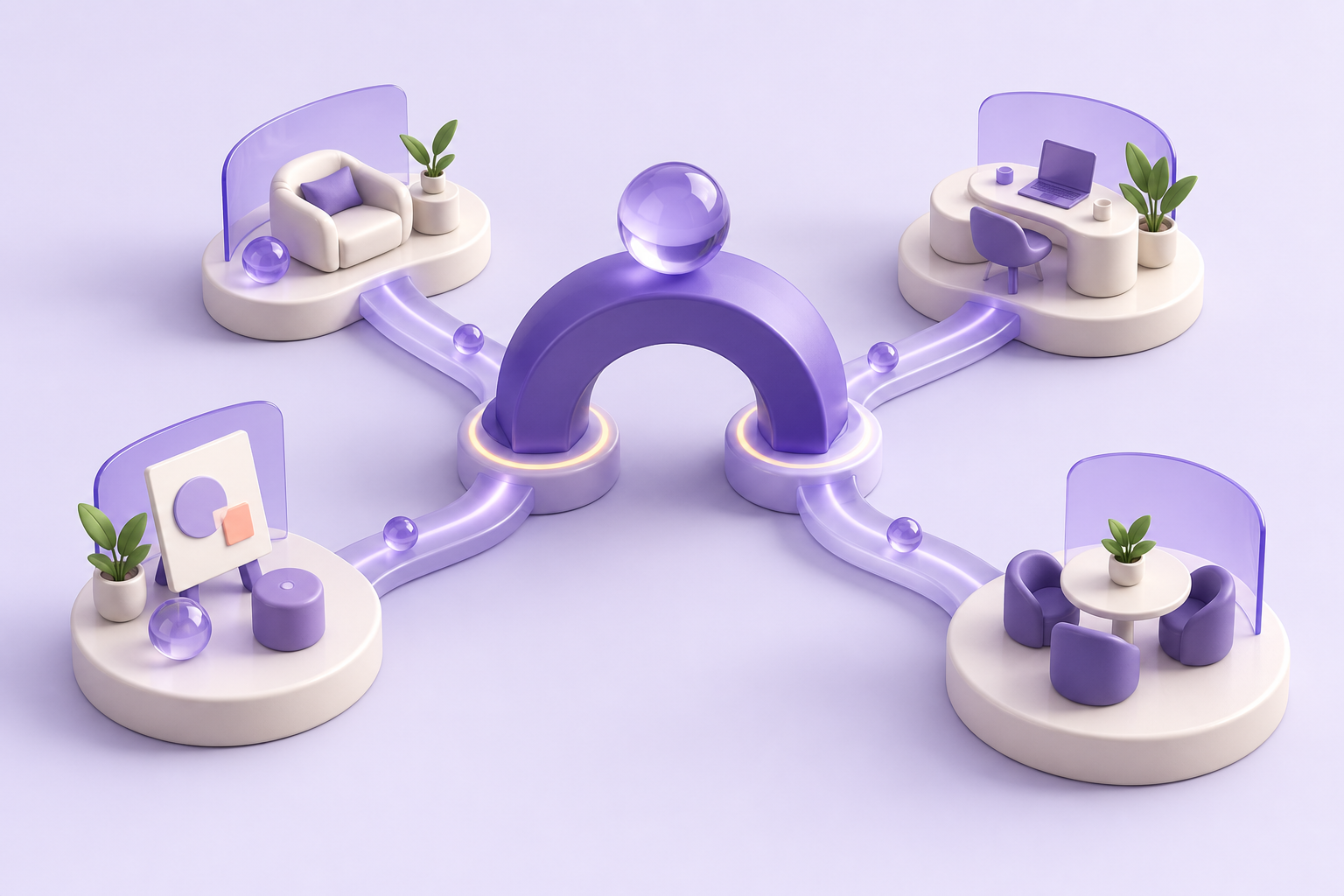
Swipe across the map to explore all systems.
CHRICHER HUB
8 live · 2 pending verificationDirectory
Richer AcademyCourses and learningLearningEntry link available Onboarding TrackerOnboarding progressOnboardingEntry link available
 SubTrackSubscriptions and expensesFinanceEntry link available
 RicherTaskTasks and projectsWorkEntry link available
 MoozMeetings and Zoom callsMeetingsEntry link available
 WhiteKfirThe mentor workspaceMentoringEntry link available
 LeadGuardYour lead workspaceLeadsEntry link available
 ACCAutomation command centerAutomationEntry link available
Verified entry links open in a new tab · Favorites are saved in this browser
Time to get going
Tasks, meetings, automations — your tools are all here. Pick what you need, jump in, and get going.
10systems, one place
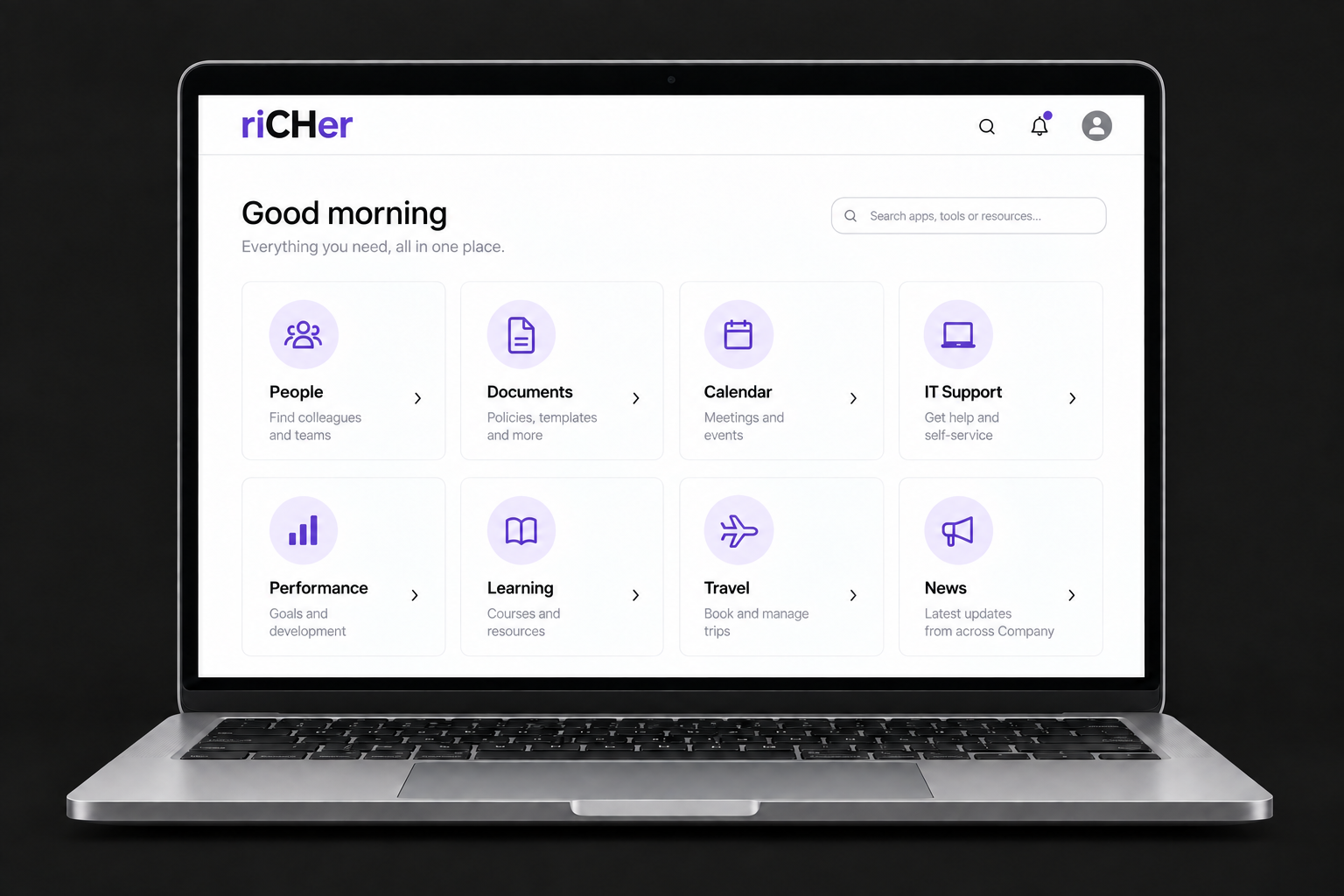
One simple home for everyday work
Your tools, knowledge
and people.
All connected.
Apps & WorkspaceKnowledge & TeamsCompany News
Web & Apps
All your company tools, in one familiar place. Find the right app and get straight to work.
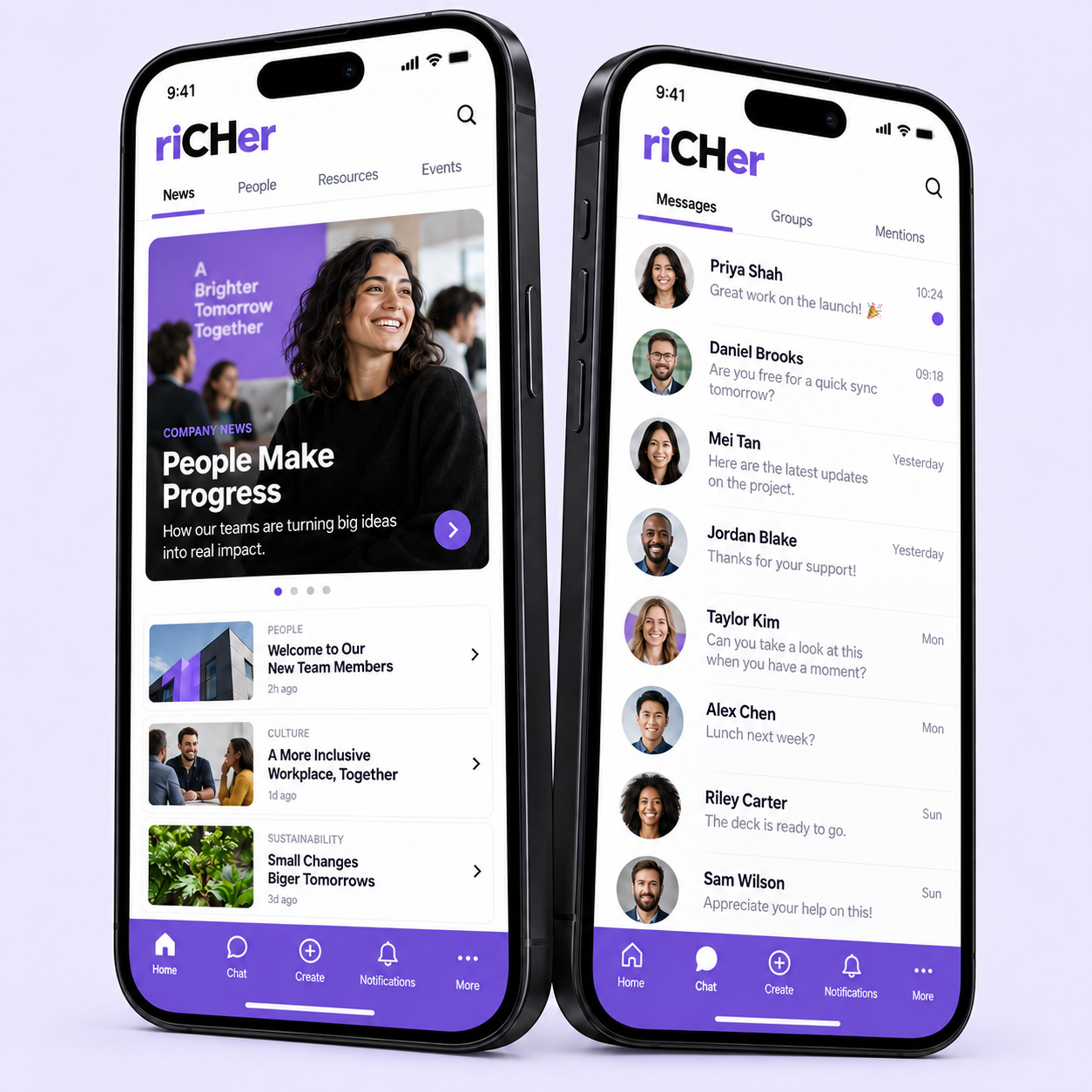
Your everyday tools
Knowledge
Give every answer a home. Keep documents, guides and team knowledge easy to find.
COMPANY KNOWLEDGE
A good place
to start.
01Getting started
02How we work
03People & teams
04Useful resources
Everything, in one place.Company documents
Teamwork
Bring conversations, projects and the people behind them together. Keep your team moving in the same direction.
Connected conversations
Connected Tools
A front door to the software you already use. Go from finding a tool to opening it in a single click.
Your existing software
Getting Started
Get to know your workspace. Find the right tools, keep favorites close and meet Mini Muse.
COMPANY KNOWLEDGE
A good place
to start.
01Getting started
02How we work
03People & teams
04Useful resources
Everything, in one place.Your first steps
RICHER LIBRARY · 7 PROCEDURES INDEXED
Our knowledge.
Already here.
01Mentor daily work procedureGOOGLE DOCSOPEN ↗02Group messages after every live sessionGOOGLE DOCSOPEN ↗03Personal messages after every live sessionGOOGLE DOCSOPEN ↗04Giving feedback to studentsGOOGLE DOCSOPEN ↗05Helping students with low computer literacySCHOOLEROPEN ↗06Onboarding support — opening callsGOOGLE DOCSOPEN ↗07Delivering affiliate lessonsGOOGLE DOCSOPEN ↗
Links collected from WhiteKfir · open at source, subject to permissions7 shown · last indexed 2026-09-09
Continue in the system
Sign in with each system’s own accountYour everyday handbook
- Open the Hub or scroll to the app directory.
- Select a node on the map to see what the app does.
- Use its Open button or click a directory card to launch the app in a new tab.
Each app uses its own account and permissions.